_FBlogo_red.png)



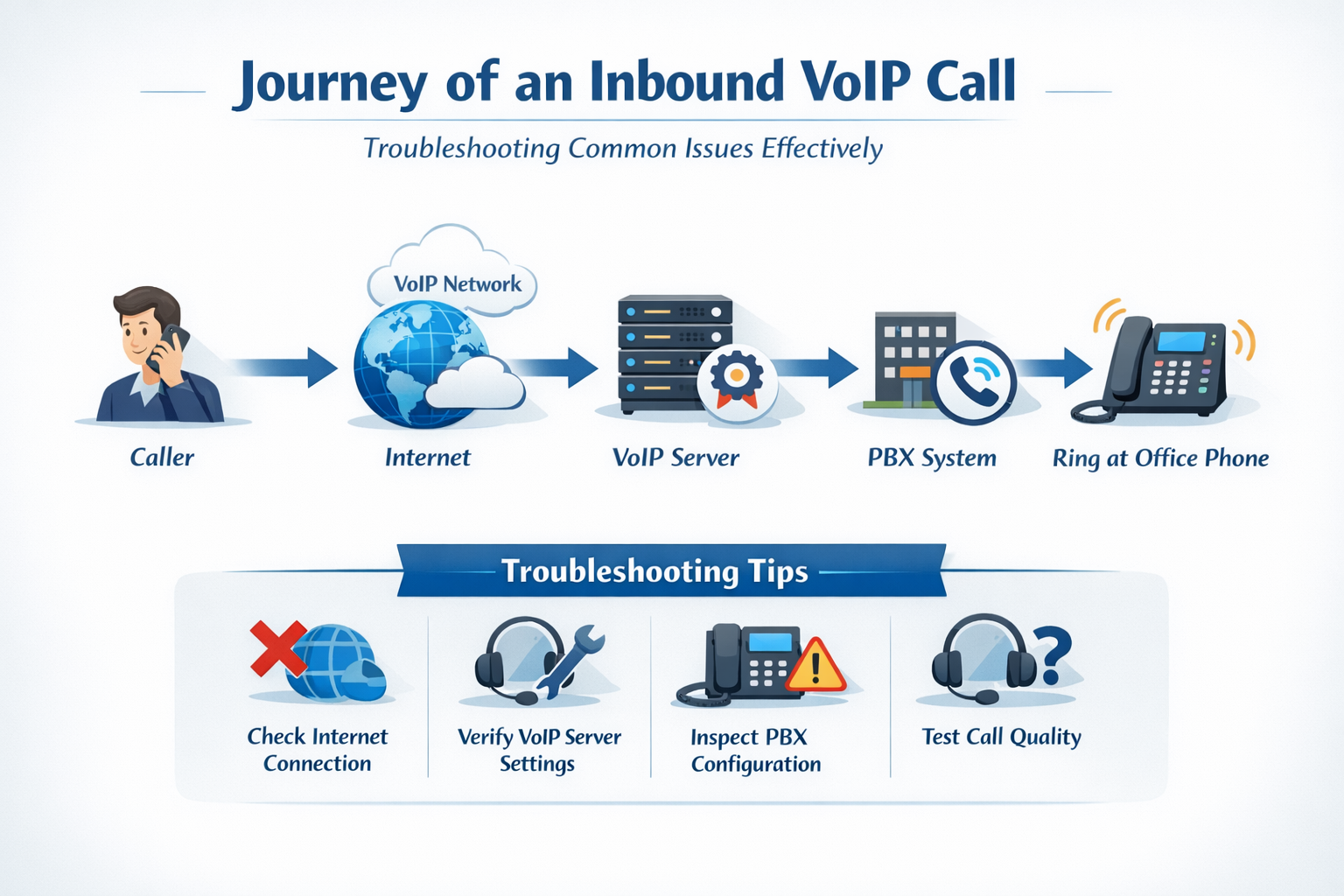
Most people pick up the phone without thinking twice. The call connects, the conversation happens, and that is that. But when something goes wrong — when a call does not come through, drops unexpectedly, or sounds like the other person is talking underwater — suddenly every step between "ring" and "hello" becomes very relevant.
If you manage VoIP services for your clients, understanding how a call actually travels from point A to point B is one of the most useful things you can know. It is not just technical trivia. It is what tells you where to look when something breaks, what information actually matters when you open a support ticket, and why the questions your VoIP provider asks are not random.
Here is a plain-language walkthrough of what happens every time an inbound VoIP call hits one of your client's phone systems — and what can go wrong at each step.
The Path of an Inbound VoIP Call
An inbound call does not just appear at your client's desk phone. It makes several stops along the way, each one handled by a different part of the infrastructure. All of this happens in milliseconds — before the first ring even reaches the device.
Step 1: The Originating Carrier
Every call starts with a carrier. When someone dials your client's number from their mobile phone or landline, that call originates on their carrier's network. From there, it gets handed off to your VoIP provider's inbound carrier — typically a wholesale voice provider that handles traffic coming into the hosted platform.
This first leg of the call is almost entirely outside your control and your provider's control. The originating carrier decides how that call is routed before it ever touches the hosted platform. That matters when you are troubleshooting, because some inbound call failures — particularly calls that never arrive at all, or arrive with missing caller ID — are happening before the call even reaches your provider's network.
Step 2: The Session Border Controller (SBC)
Once the call crosses from the originating carrier to your VoIP provider's network, it hits the Session Border Controller, or SBC. Think of the SBC as the front door of the hosted platform. It is the edge of the network — the first point where your provider can see and interact with the call.
The SBC handles security, protocol translation, and traffic management. It is also where a provider can see whether a call arrived at all, what it looked like when it came in, and whether anything was malformed in the initial signal. If a call made it through the originating carrier but is behaving oddly, the SBC logs are often the first place a support technician looks.
Step 3: Authentication via the Billing Engine
Before the call goes anywhere inside the platform, it has to pass through the billing engine. This step checks whether the call is allowed to complete based on the account's status. Is the account active? Are there sufficient funds? Is this number associated with an active service?
This step exists for good reason — it prevents calls from completing on suspended or unfunded accounts — but it is also a common point of failure that partners sometimes overlook. If a client's calls suddenly stop coming through and everything else looks fine, account status is one of the first things worth checking. A billing issue can block inbound calls just as effectively as a network problem.
Pro tip: Before opening a support ticket for a client whose calls stopped working, check whether the account is active and the partition has funds. It is a 30-second check that can save everyone time.
Step 4: SBC to the Customer PBX
Once the call clears the billing engine, it moves from the SBC into the customer's PBX — the hosted phone system. This is where the call flow your client set up actually takes effect. Auto attendants, time frames, call queues, ring groups — all of that logic lives here.
If a client complains that calls are going to the wrong place, playing the wrong greeting, or routing incorrectly during holidays, the issue is almost certainly in this layer. The call arrived fine, authenticated fine, and landed in the PBX — but then the PBX sent it somewhere based on rules that may not be configured the way the client intended.
This is also the layer where extensions get their ring invitations. When a call comes in and needs to ring three phones simultaneously, the PBX is what sends those invites out to each device. If only some phones ring, or the wrong phones ring, the call flow configuration and the extension settings are where you look first.
Step 5: The Customer's LAN
Between the PBX and the physical devices, the call has to traverse the client's local area network. This is the stretch of the journey that is entirely in the client's hands — their router, their switches, their internet connection, their network configuration.
This is also where a huge percentage of VoIP call quality problems actually originate. Packet loss, jitter, latency, bandwidth constraints, SIP ALG interference, double NAT — all of these are network-layer issues that affect how the voice data travels between the hosted platform and the device. A call can make it through every other step perfectly and still sound terrible if the client's network is not handling voice traffic well.
When a support technician reviews a call trace and sees low kilobits-per-second measurements — well below the normal range of 60 to 80 Kbps — that is the data showing a network problem. It is not a guess. It is not blame-shifting. The trace is showing exactly where the degradation happened.
Step 6: Customer Equipment (CPE)
Finally, the call reaches the actual device — the desk phone, softphone, or ATA. The device rings, someone answers, and the conversation begins. At this point billing starts.
Device-level issues are their own category of troubleshooting. Firmware that is out of date, provisioning that is incomplete, or devices that are manually configured instead of auto-provisioned can all cause call handling problems that look like network or platform issues on the surface. When calls drop intermittently on specific devices but not others, or when only certain phones have problems, the device layer is where the investigation usually ends up.
Why This Map Matters for Troubleshooting
When something goes wrong with an inbound call, there are six distinct places where the problem could be happening. The reason your VoIP provider asks whether the issue is inbound or outbound, whether it affects all calls or specific numbers, whether it happens on certain devices or all devices — is because those answers tell a technician which part of the map to look at.
A ticket that says "calls are broken" gives a technician almost nothing to work with. A ticket that says "inbound calls to this specific DID are not ringing the call queue, but direct extension calls work fine" points immediately to Step 4 — the PBX routing layer — and cuts the investigation time dramatically.
The more precisely you can describe where in the call flow the issue appears, the faster your provider can isolate it. Inbound or outbound? All calls or specific numbers? All devices or specific phones? Each answer eliminates half the map.
What Can Go Wrong at Each Step
Originating carrier issues
-
Calls never arrive — the problem is upstream of your provider's network
-
Caller ID is missing or incorrect — some call elements are stripped during carrier handoff
- Double-forwarded calls losing P-charge header information
SBC issues
-
Malformed SIP headers on inbound calls
-
Calls hitting the wrong inbound carrier route
- Traffic from flagged or blocked sources
Billing engine issues
-
Account suspended or credit limit exceeded
-
Number not active on the account
-
Double-forwarded call failing authentication checks
PBX / call flow issues
-
Auto attendant routing to the wrong destination
-
Time frame not configured correctly — calls routing to after-hours when they should not
-
Call queue not sending invites to all expected extensions
-
Only some extensions ringing when all should
LAN / network issues
-
Crackling, choppy, or one-way audio
-
Calls dropping after a consistent interval
-
SIP ALG on the router interfering with call signaling
-
Double NAT preventing proper device registration
-
Insufficient bandwidth causing packet loss during calls
Device / CPE issues
-
Outdated firmware causing call handling failures
-
Manual provisioning missing key configuration
-
Device not registered to the correct server
-
Do Not Disturb or call forwarding set at the device level interfering with expected behavior
The Takeaway for MSPs Managing VoIP
A VoIP call is not a single thing. It is a chain of handoffs across carriers, infrastructure, networks, and devices — and any link in that chain can be the source of a problem. Understanding the chain does not make you a telecom engineer, but it does make you a more effective partner for your clients and a more useful collaborator with your VoIP provider's support team.
The next time a client says their phones are not working, the first questions you ask should map to this flow. Is the issue inbound, outbound, or both? Is it all calls or specific numbers? Is it all devices or specific phones? Is it every call or intermittent? Each answer narrows the field from six possible problem areas down to one or two — and that is where real troubleshooting starts.
Managing VoIP services for your clients and want a partner who can back you up?
RingLogix gives MSPs a white label hosted VoIP platform with real technical support behind it. Learn more about becoming a RingLogix partner.