
Give your n8n workflows a phone number.
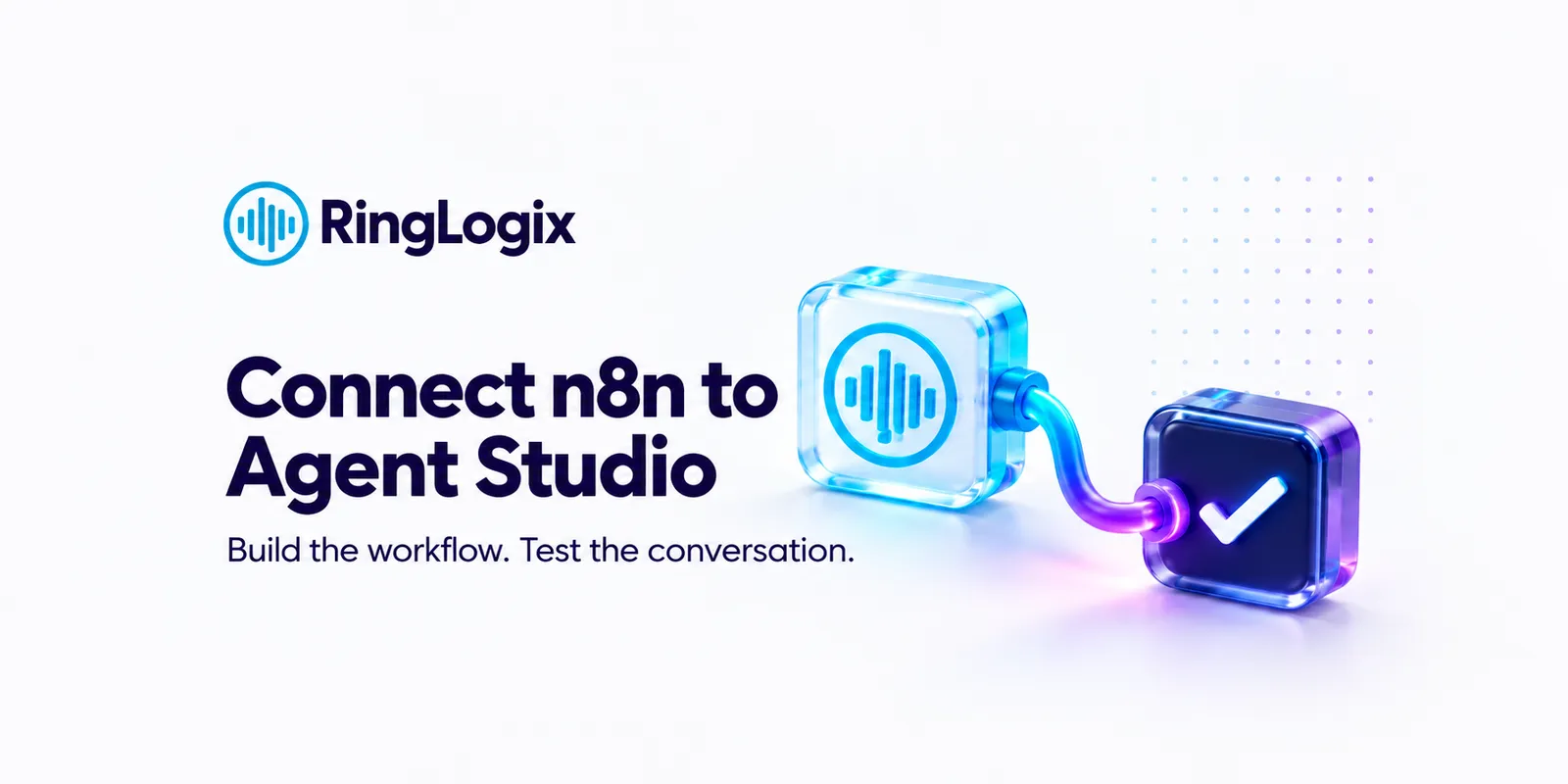
Your clients still call. The question is whether anything gets done when they do. In one live session, we’ll connect an n8n workflow to a voice agent built in RingLogix Agent Studio, so your callers can look up their account, open a ticket, or check a status while they’re still on the line.
Free. Live build, live test call, real questions. You leave with a starter workflow you can reuse for every client.
What we’ll cover
- When n8n is the right call: choosing between a ready-made connector, a simple API call, and a full n8n workflow.
- The building blocks that matter for voice: webhook triggers, HTTP requests, database lookups and code steps, and how to shape a response a voice agent can read back naturally.
- The two-part setup: build in n8n, then connect it as a tool in Agent Studio. Step by step, live.
- Fast enough for a live call: keeping workflows quick, what the agent says while it waits, and where to host n8n.
- Locking it down and fixing what breaks: securing the connection between the two systems, plus the seven errors builders hit most and how to fix each.
- Live Q&A: bring your workflow questions, your PSA, your edge cases.
This session is for you if
- You run or work at an MSP and already automate with n8n.
- You build automations for clients and want to add the phone to what you deliver.
- You’ve wondered what it would take to put a voice in front of the workflows you’ve already built.
No voice AI experience needed. Comfort with n8n basics helps.
Your instructor, Eduardo Perotti, RingLogix Conversational AI Analyst, builds and tunes AI voice agents for partners every day, so this is a working session, not a slide deck.